
MeshNomics / Use cases
A clearer next step.
Before your next print.
Find an idea, check the numbers, or plan a batch. Start with the question on your mind and see which MeshNomics tool can help.
Find your starting pointExplore every use case here. Free tools and guides need no account; app features require sign-in.
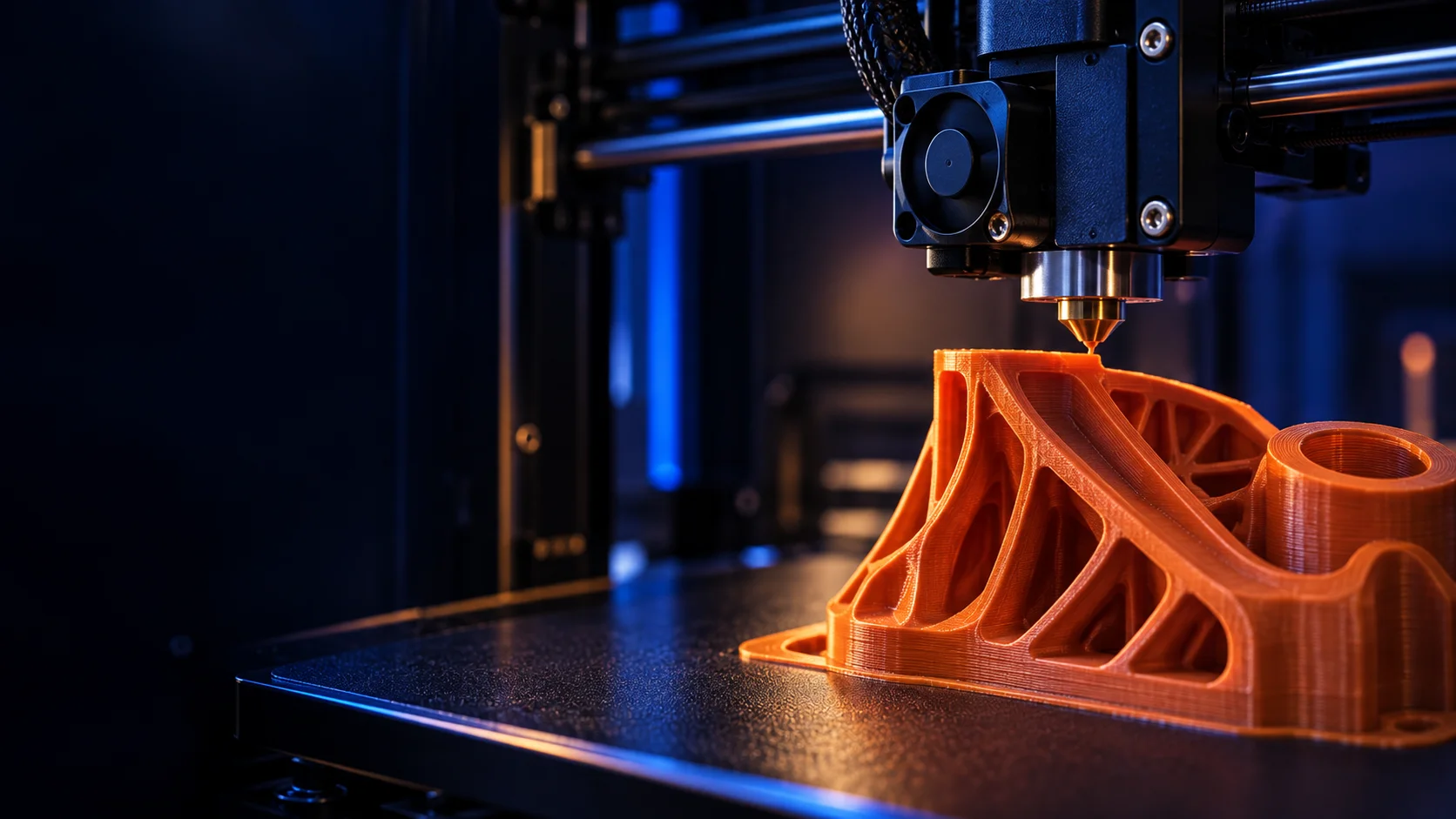
Generated photo or Concept Artwork
What do you want to figure out?
Choose a question to see what you need, what you’ll get and where to start.
Discover
What should I print and sell?
Find a buyer problem and build a shortlist of product ideas.
See how to get startedAnalyze
Is my product idea worth testing?
Compare similar products and decide what to investigate next.
See how to get startedEvaluate
What should I charge for a print?
Start with the costs you need to cover before choosing a price.
See how to get startedEvaluate
Can I sell prints of this design?
Understand the licence and what to check at the original source.
See how to get startedAct
Does this batch make financial sense?
Bring production costs and selling-channel assumptions into one plan.
See how to get startedEvaluate
Which machine fits what I want to make?
Compare equipment against the product and production work you have in mind.
See how to get started01 / Discover
What should I print and sell?
Find a buyer problem and build a shortlist of product ideas.
Free guide · no account
Find a starting idea- Bring this
- A category, a buyer you understand, or the equipment you already have.
- What you’ll get
- A research direction, with questions to answer before you make inventory.
- Example task
- Explore desk organization, then narrow the search to a specific cable-storage problem.
Keep in mind: Popularity and downloads are starting signals, not proof that buyers will pay.
02 / Analyze
Is my product idea worth testing?
Compare similar products and decide what to investigate next.
In the app · sign-in required
Validate your idea- Bring this
- A specific idea, such as a chainsaw file organizer, rather than a broad category.
- What you’ll get
- Comparable products, source-specific marketplace signals and a next test where evidence is available.
- Example task
- Check whether an organizer solves the same job as the products you are comparing it with.
Keep in mind: Listed prices are asking prices. Estimates and observed purchase signals stay separate; missing evidence stays visible.
03 / Evaluate
What should I charge for a print?
Start with the costs you need to cover before choosing a price.
Free tool · no account
Calculate a print cost- Bring this
- Material weight, print time, material price, labor and a failed-print allowance.
- What you’ll get
- An estimated production cost you can use as the starting point for pricing.
- Example task
- Compare the same part with different material prices or failure allowances.
Keep in mind: A cost estimate is not take-home profit. Include channel fees, shipping and other business costs in your selling decision.
04 / Evaluate
Can I sell prints of this design?
Understand the licence and what to check at the original source.
Free guide · no account
Check design permissions- Bring this
- The design's source page, creator and current licence terms.
- What you’ll get
- A guide to commercial-use conditions and questions to resolve before selling.
- Example task
- Check attribution requirements and whether selling physical prints is permitted.
Keep in mind: A commercial-use flag does not clear trademarks, patents or every other right. Verify the source terms.
05 / Act
Does this batch make financial sense?
Bring production costs and selling-channel assumptions into one plan.
In the app · sign-in required
Plan a production scenario- Bring this
- Your selling price, measured print time, material, labor, failures and channel costs.
- What you’ll get
- A scenario to review before committing machine time and materials.
- Example task
- Compare a small test batch with a larger run using your own cost assumptions.
Keep in mind: Scenario outputs depend on your inputs. Test demand and measure production before scaling.
06 / Evaluate
Which machine fits what I want to make?
Compare equipment against the product and production work you have in mind.
In the app · sign-in required
Explore machine options- Bring this
- Your intended product, materials, size requirements and budget.
- What you’ll get
- Equipment research to narrow the machines worth evaluating.
- Example task
- Check the build volume and material compatibility a proposed product needs.
Keep in mind: Specifications do not establish real throughput or a return on investment. Verify capabilities and test the process.
New to selling your prints?
Start with one buyer problem and one small test. The selling guide walks you through research, permissions, costs and a first prototype.
Read the getting-started guide